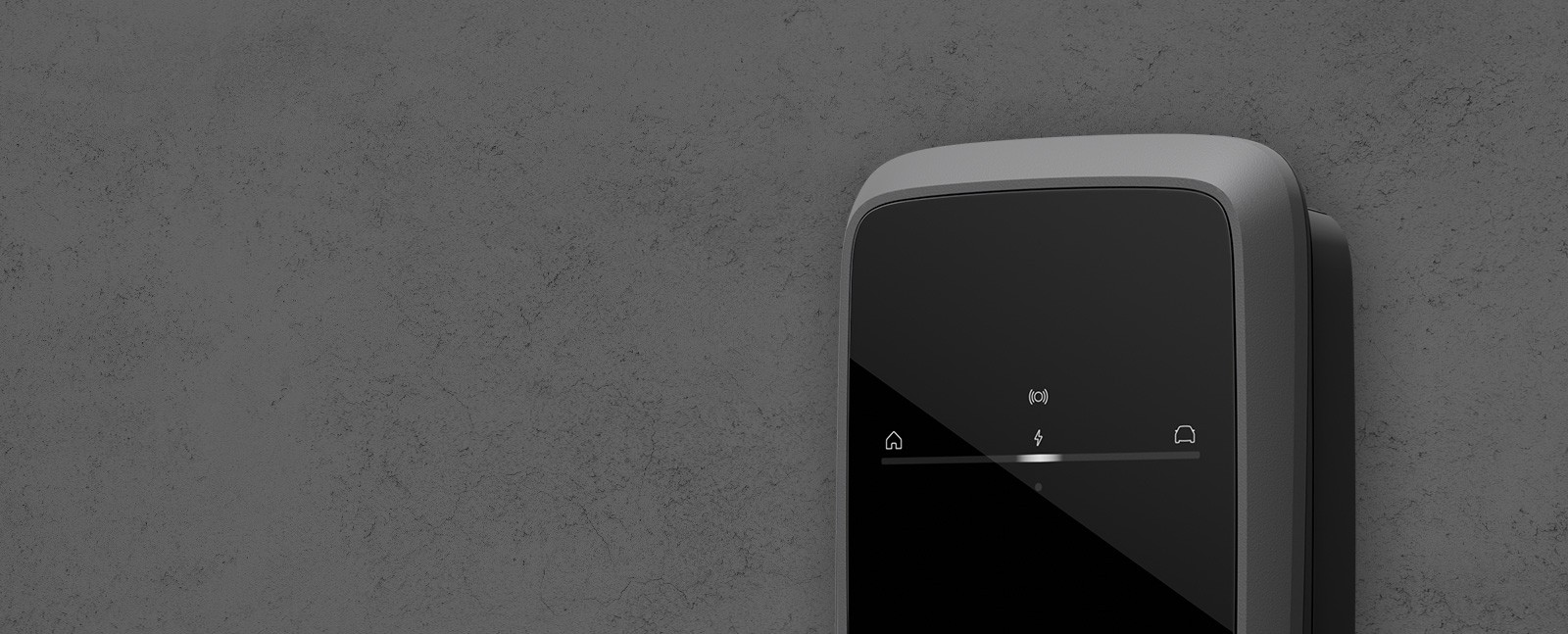
Setting up your charger correctly is very important:

Safety
A properly configured charger minimizes electrical hazards, protecting users and property from potential injury or damage.

Efficiency
Optimal setup guarantees faster, more reliable charging, enhancing the performance and lifespan of both the charger and your EV’s battery.

Compliance
Correct configuration ensures adherence to local regulations and standards, helping you avoid fines and penalties.

Security
Secure connections prevent unauthorized access and cybersecurity threats, protecting your data and ensuring only authorized users can access your charge.

Functionality
Proper setup enables all features, including smart charging, connectivity, and mobile app integration.
Note
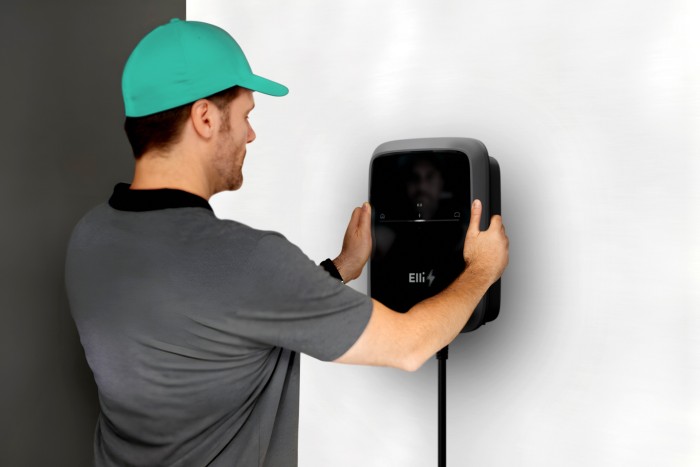
If desired, we also support you with the installation of your new wallbox.
Through our installer network, you can find qualified professionals in your area who can carry out the installation.
Configuration Guide for charger
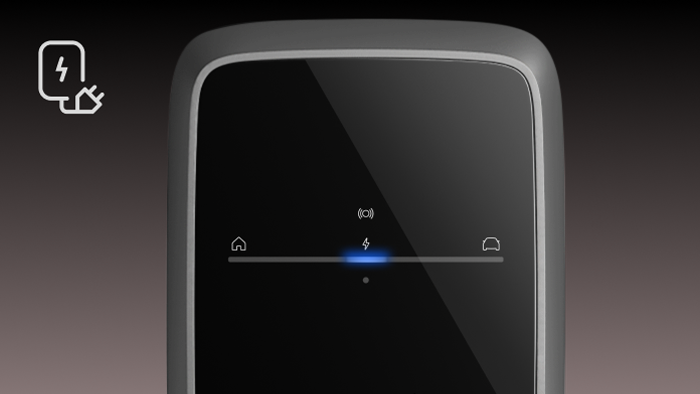
Turn the charger on:
Switch on the power to the charger.
The LEDs will flash blue, indicating the charger is ready for configuration.
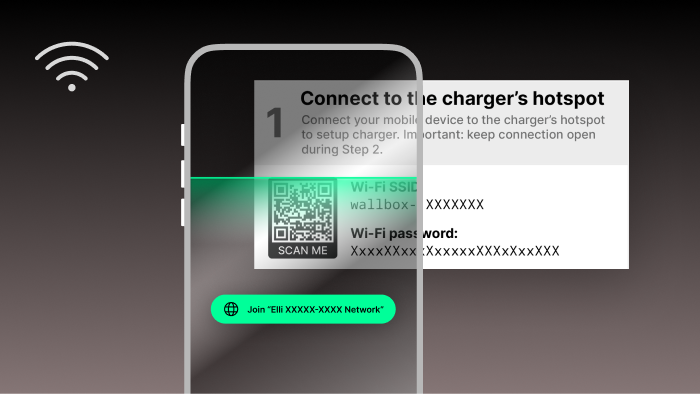
Connect to the charger
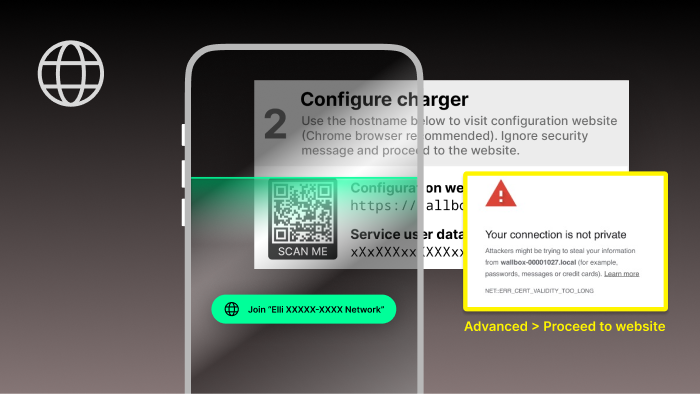
Scan the QR code on the card with the access data to connect to the charger’s hotspot.
If the QR code connection fails, connect manually via Wi-Fi using the provided SSID and password. Ensure you stay connected throughout the configuration.
Access the configuration web interface
Scan the QR code or enter the hostname in a Chrome browser.
If a security message appears, click on “Advanced“ and proceed to the website.
Log in using the service user credentials (service user password).
Follow the onboarding steps in the charger configuration.
Make sure the charger is connected to the internet (via LTE, WiFi or ethernet).
Download and set up the mobile app
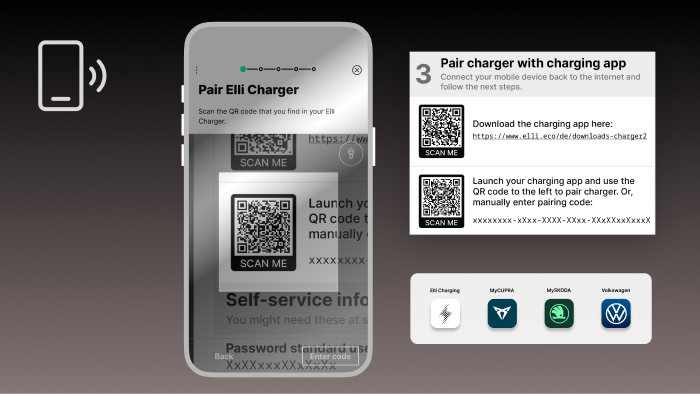
Disconnect from the charger’s hotspot.
Download the mobile app.
Create an account or log in.
Use the QR code from Step 3 to pair the charger with your app.
Finally, activate the "Automatic updates" option to always be automatically updated in future
Downloads
Charger 2nd generation (2024)
Technical Documents
Installation
Usage
Load Management and Smart Charging Features
Software
Repairs and Claims
Legal Documents
App Download
Elli Charging App

Volkswagen App

My CUPRA App